


🩸 RED BLOOD JOURNAL — REPORT #1889
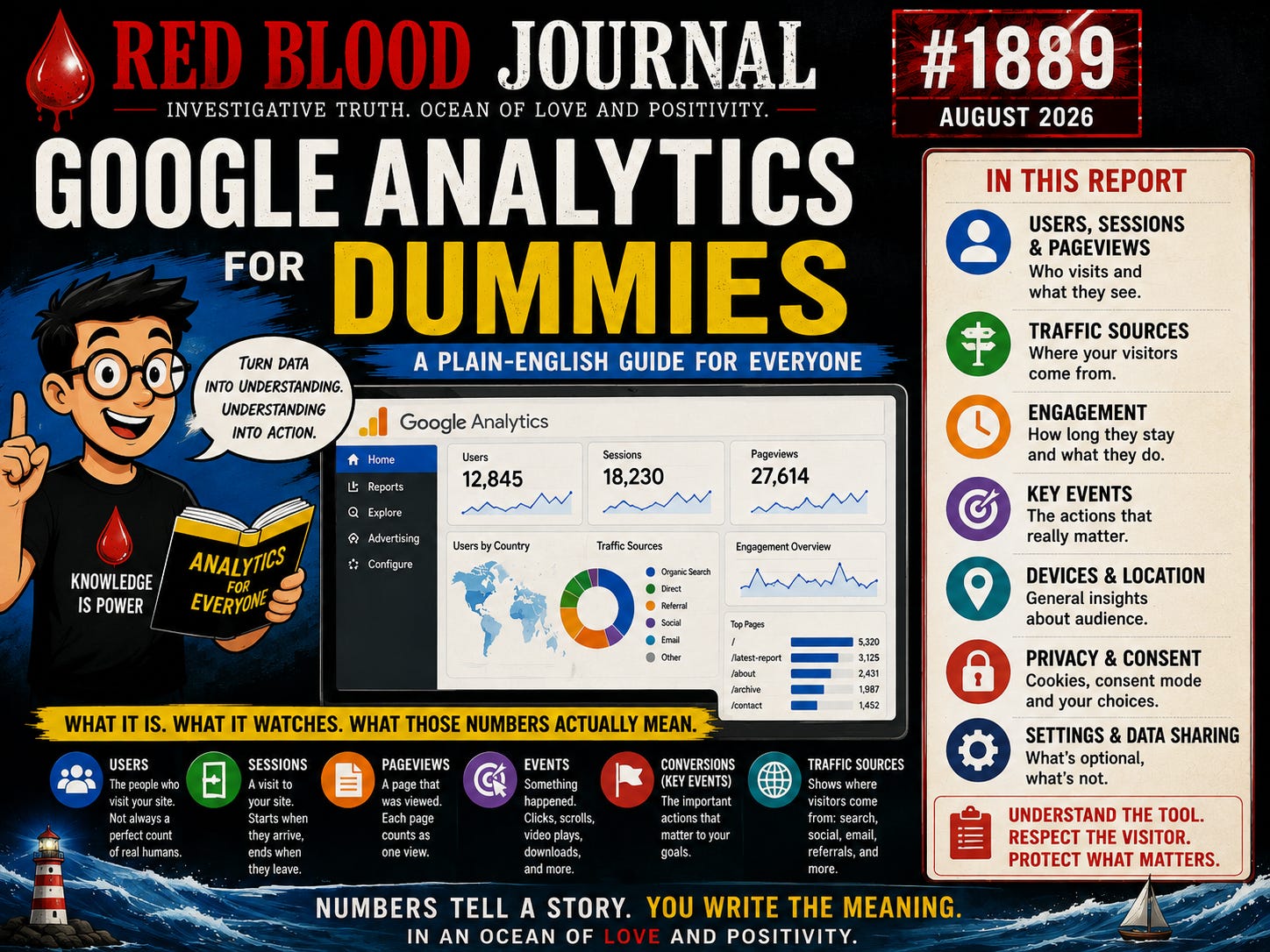
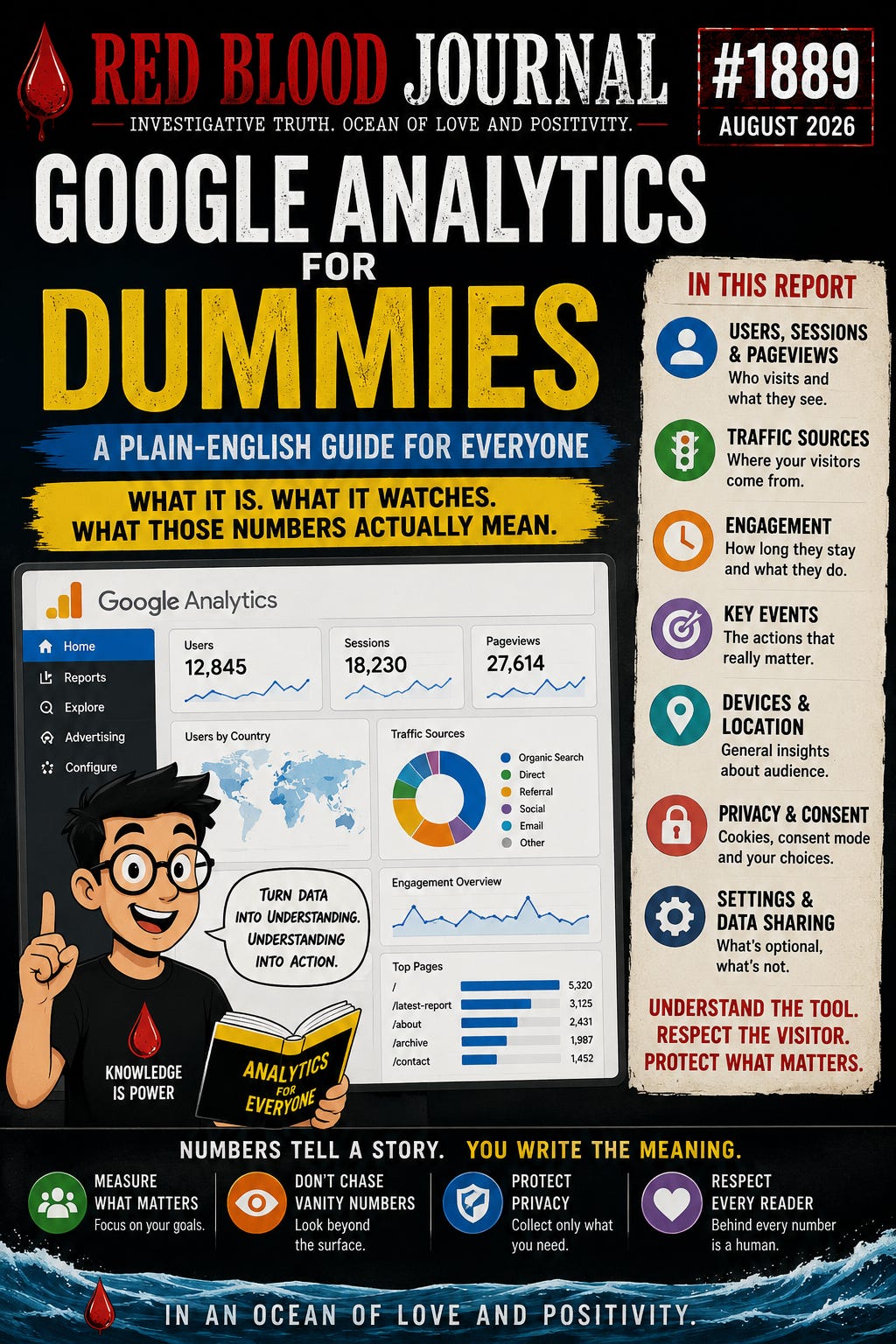
GOOGLE ANALYTICS FOR DUMMIES
What It Is, What It Watches, and What Those Numbers Actually Mean
August 2026
RedBloodJournal.com
Forget the Technical Language
Imagine owning a small store.
You would probably want to know:
How many people came through the door?
Where did they come from?
What did they look at?
How long did they stay?
Did they come back?
Which displays attracted attention?
Which advertising brought them in?
A physical store owner might answer some of those questions by standing behind the counter and watching customers.
A website owner cannot see visitors walking around.
So websites use tools such as Google Analytics.
In the simplest possible language:
Google Analytics is a digital visitor counter with a very large notebook.
But that notebook can record considerably more than simply how many people entered.
1. HOW DOES GOOGLE ANALYTICS GET INTO A WEBSITE?
The website owner places Google Analytics measurement code on the website.
Think of it as installing a little digital observer.
When someone visits a page, the website can send information about what happened to Google Analytics.
For example:
Someone arrived.
Someone viewed an article.
Someone clicked something.
Someone stayed for a period of time.
Google processes those signals and gives the website owner reports.
2. WHAT IS AN “EVENT”?
GA4—the current generation of Google Analytics—is largely built around something called an:
EVENT.
Don’t let the technical word make it complicated.
An event simply means:
Something happened.
A person opened a page.
Event.
A person scrolled.
Event.
A person clicked something being measured.
Event.
A video started.
Event.
A purchase occurred on a shopping website.
Event.
Google Analytics records these actions so the website owner can understand what visitors are doing.
3. WHAT IS A USER?
This sounds obvious, but it gets complicated.
A user is Analytics’ attempt to distinguish one visitor from another based on available identifiers and configuration.
Suppose John visits a website five times.
That does not necessarily mean Analytics reports five different people.
Analytics attempts to recognize visits belonging to the same user according to the identifiers and features available to it.
But Analytics isn’t a magical census.
Blocking cookies, changing devices, privacy settings, consent choices and other technical circumstances can affect recognition.
Therefore:
“Users” should not automatically be interpreted as an exact count of individual human beings.
It is an Analytics measurement.
4. WHAT IS A SESSION?
Think of a session as a visit.
You enter RedBloodJournal.com.
You read three reports.
You leave.
That activity can form a session.
Later you return.
That can become another session.
Therefore:
USER = roughly the visitor being measured.
SESSION = roughly a visit.
PAGE VIEW = a page being viewed.
EVENT = something measurable happening.
Those four definitions will get an ordinary reader surprisingly far through Analytics.
5. WHERE DID THE VISITOR COME FROM?
This is one of Analytics’ most useful functions.
Suppose 1,000 people visit an article.
The next question becomes:
How did they find it?
Analytics can classify traffic into sources and channels.
Examples could include:
Google Search
Telegram
X
Another website
Direct traffic
That allows a publisher to discover something extremely valuable.
Perhaps an article received:
500 visits from Google.
250 from Telegram.
100 from another website.
150 classified elsewhere.
Now the publisher understands not merely that the article was read—but how readers arrived.
6. WHAT DOES “DIRECT” MEAN?
This is frequently misunderstood.
People sometimes interpret:
Direct = somebody typed my address into the browser.
That can happen.
But “Direct” can also mean Analytics couldn’t determine a usable referring source for the visit.
Therefore direct traffic shouldn’t automatically be interpreted as hundreds of people manually typing a domain name.
Think of it more cautiously as:
“Analytics doesn’t have another attributable source for this traffic.”
7. WHAT IS ENGAGEMENT?
Older website statistics often focused heavily on:
BOUNCE RATE.
Someone arrived and quickly disappeared.
GA4 emphasizes engagement.
Analytics can help answer questions such as:
Did visitors stay long enough to meaningfully interact?
Did they view additional content?
Did something important happen during the visit?
For a publication, engagement can be more informative than raw visitor counts.
Consider two articles.
ARTICLE A
10,000 visitors.
Most disappear immediately.
ARTICLE B
2,000 visitors.
Many remain, read and continue to other reports.
Which article performed better?
The answer depends upon what the publisher is trying to accomplish.
Bigger numbers do not automatically mean better performance.
8. WHAT IS A KEY EVENT?
Some actions matter more than others.
A publisher might consider something important such as:
Newsletter signup
Subscription
Donation
Download
Account creation
Purchase
GA4 allows important actions to be identified as key events.
For an online store, purchasing may be the obvious one.
For a publication, subscribing might matter more.
Analytics becomes most useful when the website owner decides:
What does success actually mean for this website?
9. WHAT INFORMATION CAN ANALYTICS KNOW ABOUT A VISITOR?
Depending upon configuration, consent and enabled features, Analytics can process information concerning things such as:
Pages viewed
Events
Sessions
Approximate geographic information
Browser information
Device information
Traffic source
Engagement
and additional information depending upon the site’s configuration and optional Google features.
This is where Analytics stops being merely a visitor counter.
The more features activated, the more sophisticated the measurement ecosystem can become.
10. DOES GOOGLE ANALYTICS KNOW MY VISITOR’S NAME?
Basic Analytics isn’t supposed to be treated like a customer-address book containing everyone’s name.
Google’s Analytics terms restrict customers from sending personally identifiable information to Google except where permitted under specific Analytics features and conditions.
However, Google also offers optional capabilities involving user-provided data, where consented first-party information can be hashed and transmitted for particular measurement and advertising-related purposes.
That is why one must distinguish:
BASIC ANALYTICS
from
OPTIONAL ADVANCED DATA FEATURES.
They are not the same thing.
11. WHAT IS A COOKIE?
Imagine a nightclub putting an invisible stamp on someone’s hand.
The person leaves.
Later the person returns.
The stamp helps the club recognize:
“This person has been here before.”
A browser cookie can perform a somewhat similar identification function digitally.
Cookies can help Analytics distinguish users and sessions.
That doesn’t mean a cookie necessarily contains someone’s name.
It can instead contain an identifier that allows systems to recognize a browser.
That distinction is important.
12. WHY DOES CONSENT MATTER?
Because measurement can involve information stored on or obtained from a visitor’s device, privacy laws and consent requirements can become relevant.
Google therefore has something called:
CONSENT MODE.
Consent Mode lets websites communicate a visitor’s consent choices to Google.
And here is an extremely important distinction.
Google separates consent involving:
Analytics storage
from consent involving:
Advertising storage
Advertising user data
Advertising personalization.
Those are different categories.
Therefore:
Using Analytics does not automatically mean every advertising capability has to be turned on.
13. WHAT IS GOOGLE SIGNALS?
Google Signals is an additional Analytics capability involving qualifying users who are signed into Google and have relevant settings enabled.
It can provide richer understanding involving areas such as:
cross-device behavior
and certain demographic or interest reporting.
Imagine someone reading an article on a phone and later returning on a laptop.
Ordinary measurement may see separate pieces of activity.
Additional Google capabilities can, under qualifying circumstances, provide richer cross-device understanding.
But again:
Google Signals is not required merely to count website traffic.
14. WHAT ARE DATA-SHARING SETTINGS?
This is where things become especially important.
Google Analytics contains account-level Data Sharing Settings.
These determine whether certain Analytics information can be used beyond simply providing and maintaining Analytics.
One important setting concerns:
Google Products & Services.
When enabled, Google’s terms and documentation provide for broader use of shared information to improve Google products and services.
Another setting contributes information for:
Modeling Contributions & Business Insights.
Another allows:
Technical Support.
Another enables:
Recommendations for your business.
These aren’t all necessary simply to see how many people read an article.
15. SO WHY IS GOOGLE ANALYTICS FREE?
This question doesn’t have to produce a conspiracy theory.
Google operates an enormous advertising, measurement and technology ecosystem.
Analytics helps businesses measure websites.
It also integrates with other Google products and can support Google’s advertising and measurement ecosystem when customers choose and configure those capabilities.
The important lesson isn’t:
“Free means Google is secretly stealing everything.”
That claim goes beyond what the evidence establishes.
The useful lesson is:
Understand the exchange before enabling every available feature.
16. THE SIMPLEST POSSIBLE ANALYTICS DASHBOARD
If someone running a small publication doesn’t care about becoming a professional data analyst, start with five questions:
1. HOW MANY PEOPLE CAME?
Look at users and sessions.
2. WHAT DID THEY READ?
Look at pages and content.
3. WHERE DID THEY COME FROM?
Look at traffic acquisition.
4. DID THEY ACTUALLY ENGAGE?
Look at engagement.
5. DID THEY DO WHAT I HOPED?
Look at key events important to the publication.
That’s enough to begin.
Everything else can wait.
17. DON’T BECOME A SLAVE TO THE NUMBERS
Analytics can become addictive.
100 visitors.
500 visitors.
10,000 visitors.
Another article gets fewer.
Suddenly the publisher starts writing for the graph rather than for human beings.
That reverses the proper relationship.
Analytics should answer:
“Did the publication reach people?”
It should not dictate:
“What must I say to make the graph happy?”
The tool should serve the publisher.
The publisher should not serve the tool.
🩸 THE RED BLOOD PERSPECTIVE
Google Analytics isn’t magic.
Strip away the terminology and it becomes understandable.
A person enters.
Something happens.
Information about the activity is measured.
The information travels through Google’s Analytics infrastructure.
Google processes it.
The website owner sees reports.
Then comes the important decision:
How much more should be enabled?
That is where the innocent visitor counter can grow into a much more sophisticated data system.
Basic measurement is one thing.
Cross-device measurement is another.
Advertising personalization is another.
User-provided information is another.
Sharing information for broader Google product improvement is another.
They should not all be thrown into one bucket called:
“Analytics.”
The intelligent approach is to separate them.
Use what is needed.
Understand what isn’t.
And never assume that because a switch exists, it needs to be switched ON.
🌊 OCEAN OF LOVE AND POSITIVITY
Numbers are useful.
But behind every number is a person.
A thousand page views are not merely a thousand points on a graph.
They represent people who gave a portion of their limited lifetime to reading something another human being created.
That is more valuable than any dashboard.
Analytics should help us understand those readers without making us forget them.
Learn the tool.
Respect the visitor.
Protect unnecessary information.
Measure what matters.
Ignore what doesn’t.
And then return attention to the reason the website existed in the first place:
communicating with another human being.
In an Ocean of Love and Positivity.
🩸🌊✨ Fantastic!
📈
Google Analytics for Dummies: A Simple Guide to Web Metrics
Aug 11, 2026
This report provides a simplified introduction to Google Analytics, framing it as a digital observer that tracks how people interact with websites. By breaking down technical jargon like events, sessions, and users, the text helps website owners understand where their traffic originates and how visitors engage with content. It emphasizes that data collection ranges from basic visitor counts to advanced advertising features, urging users to distinguish between necessary measurements and optional data-sharing settings. The source highlights the importance of privacy and consent, noting that browser cookies and specific tracking modes must be managed responsibly. Ultimately, the guide encourages publishers to use these metrics as tools for meaningful communication rather than becoming obsessed with raw numbers. It concludes that while analytics offer valuable insights, the primary focus should always remain on the human beings behind the data.


